HOWTO: Create radically smaller images for your minimalist blog
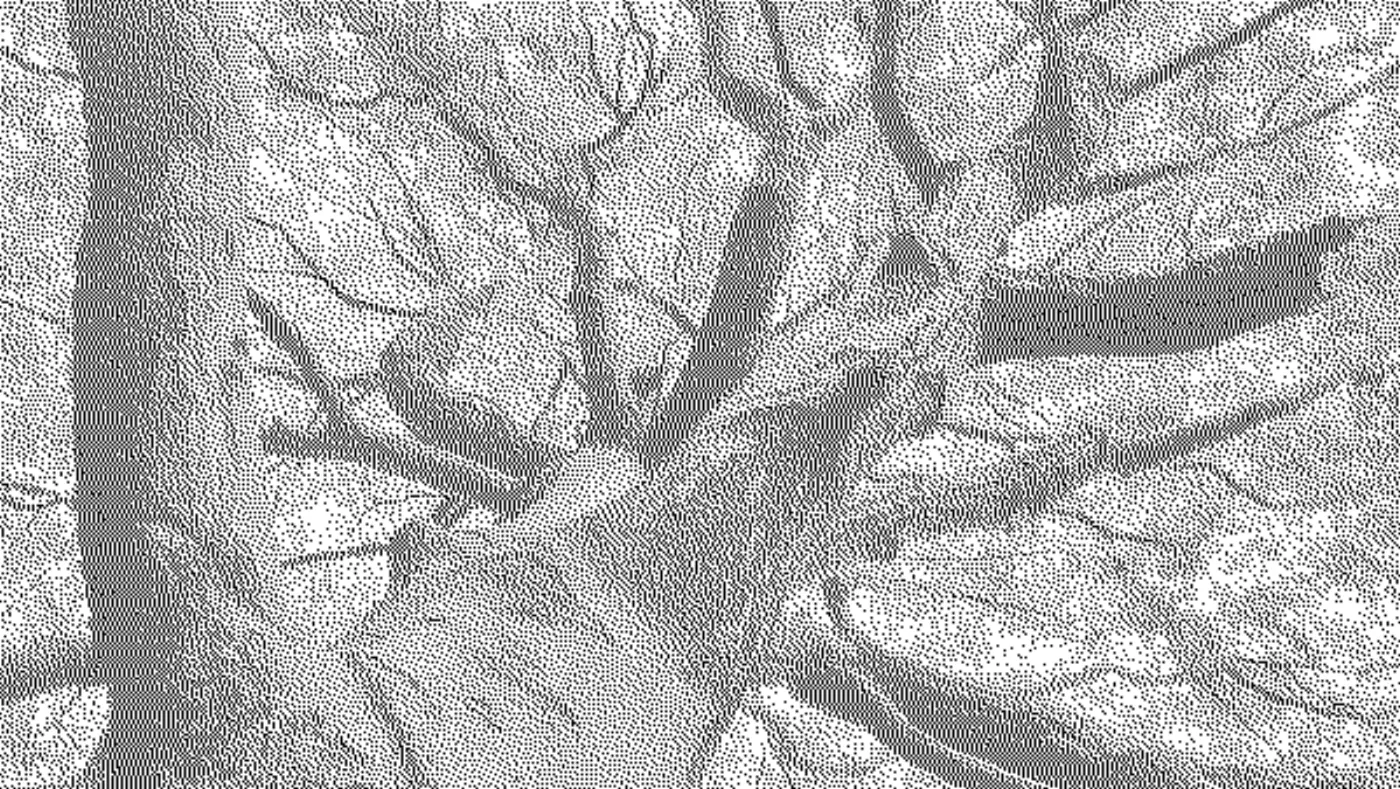
Inspired by Low-tech magazine’s solar powered website, I searched the web to find out how to create a ‘stippled’ effect for images. This reduced the size of an 2.2MB image to a mere 30.6KB, which if I’m not mistaken, is a reduction in filesize of over 95%! Here’s how to do it, using free and open source software.
-
Download and install GIMP (GNU Image Manipulation Program)
-
Open the image you want to convert in GIMP
-
Resize the image to the maximum width of your blog (~600px in my case) by going to the Image menu and then to ‘Scale Image…’
-
Convert the image to greyscale by going back to the Image menu then Mode and selecting ‘Greyscale’
(optional step: wash out the image by going to the Colours menu then Levels and change the number in the box under ‘Output levels’ to 180)
- Convert the image to indexed colours by again going to the Image menu then Mode and this time selecting ‘Indexed…’
In the box that appears:
- Under Colourmap choose ‘Use black and white (1-bit) palette’
- Ensure box ‘Remove unused and duplicate colours from colourmap’ is checked
- From the drop-down Colour dithering option choose ‘Floyd-Steinberg (normal)’
- Press the Convert button
- Export the image by going to the File menu and selecting ‘Export As…’ In the box that appears, type in a filename that ends in ‘png’ (e.g. image.png)
This post is Day 16 of my #100DaysToOffload challenge. Want to get involved? Find out more at 100daystooffload.com